Email Sequence Software for Startup Founders: The Tools That Run Your Follow-Up on Autopilot
Sales Follow-Up, Email Sequence Software, Startup Founders
Email Sequence Software for Startup Founders: The Tools That Run Your Follow-Up on Autopilot (Billionaire Parker Conrad’s Playbook)
Billionaire Parker Conrad built Rippling into a $13B company by automating every repeatable workflow — including sales follow-up. If you are a founder still copy‑pasting the same follow-up messages, this article will walk you through how modern email sequence software can quietly run your pipeline in the background while you build product, hire, and raise capital.
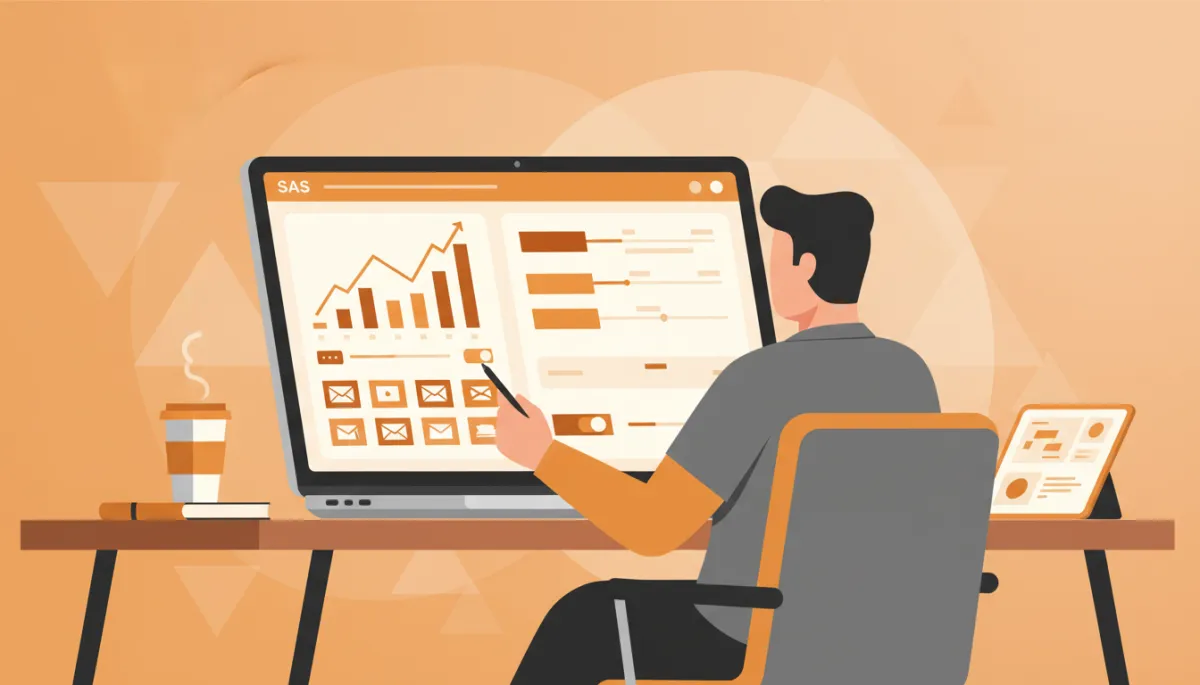
Why founders need email sequence software in the first place
Conrad’s core thesis is simple — if you have to do it more than once, software should do it. Sales follow-up is the perfect example. As a founder, you send the same types of emails on repeat: post‑demo check‑ins, “still interested?” nudges, trial expiry reminders, investor updates, and referral asks. Done manually, these messages slip through the cracks, and your pipeline quietly dies. Done with the right email sequence software, they become a predictable, measurable system that runs even when you are in product meetings or on a plane.
What email sequence software actually does: trigger, send, track, branch
At its core, email sequence software — sometimes called email automation software or sales sequence software — turns your follow-up into a series of rules and messages instead of ad‑hoc tasks. Most tools follow the same four‑step model:
- Trigger: Something happens — a lead fills out a form, books a demo, replies “not now,” or stops using your product. That event triggers a sequence so you never forget to follow up. Modern tools can also trigger from CRM stages or product events via integrations and webhooks ( blog.mystrika.com ).
- Send: The software sends a pre‑written series of emails over days or weeks. You define delays between steps, sending windows, and which inbox to send from, so your outreach feels human, not spammy.
- Track: Each step is tracked — opens, clicks, replies, bounces, and unsubscribes. Good tools prioritize reply and conversion data because open tracking is less reliable in a privacy‑first world ( tomba.io ).
- Branch: Based on behavior, contacts move down different paths. If someone replies, the sequence stops. If they click “pricing,” they might get a case study next. If they ignore three touches, the system can pause or switch to a lighter‑touch nurture track.
How to evaluate email sequence software as a startup founder
Founders often evaluate tools on price and UI first. Jason — whose systems have generated $22M+ in revenue for 1,000+ founders and have been rebuilt three times as the market evolved — starts somewhere else: deliverability, data integrity, and decision‑making. Those three pillars map neatly to four evaluation buckets.
1. Deliverability: will your emails actually land?
No matter how elegant your copy, a sequence that lands in spam is worthless. In 2026, the best sales sequence software quietly handles deliverability infrastructure in the background:
- Built‑in warm‑up that ramps sending volume gradually using realistic engagement patterns ( blog.mystrika.com ).
- Inbox rotation across multiple sending accounts, so you do not overload a single domain.
- Bounce and spam monitoring with automatic suppression of bad addresses.
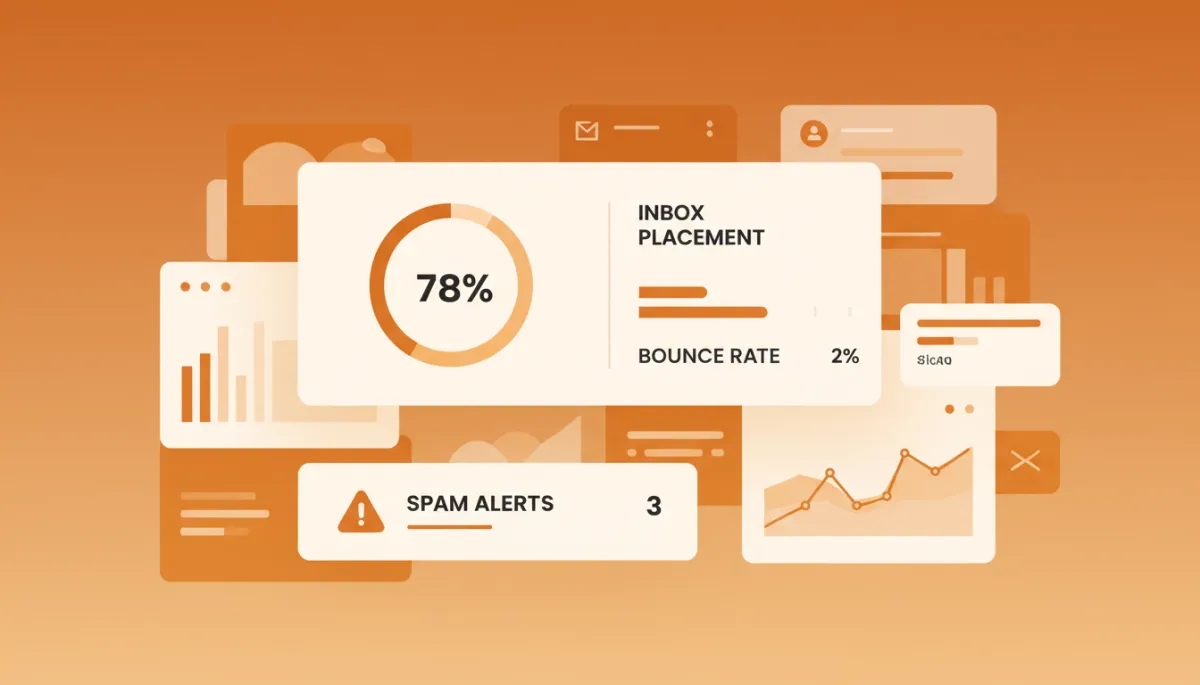
Healthy sender reputation is the quiet engine behind every profitable sequence.
2. CRM sync: can you trust your pipeline view?
Whether you are on a simple spreadsheet or a full CRM, your email automation software should not become a data island. Look for:
- Two‑way sync of contacts, companies, and deals, so reps are not guessing who is in which sequence.
- Automatic logging of emails and replies to the contact record.
- Triggers based on CRM stages — for example, “if deal moves to ‘Trial Started,’ enroll in onboarding sequence.”
3. Branching logic: can you adapt to buyer behavior?
Modern buyers expect relevance. Conditional logic lets you treat a warm, engaged prospect differently from someone who has never opened a message. Evaluate:
- Branches based on opens, clicks, replies, and custom events (like “activated feature X”).
- Step‑level A/B tests for subject lines, send times, and CTAs.
- Clear visual builders so you can see the entire journey at a glance.
4. Reporting: will this tool help you make better decisions?
Reporting is where founder‑led sales becomes a repeatable system. Strong tools show:
- Reply and meeting‑booked rates per step, not just vanity opens.
- Revenue attribution — which sequences and steps influence closed‑won deals.
- Deliverability dashboards, so you spot domain issues before they hurt pipeline.
Must‑have features vs nice‑to‑have bells and whistles
In Jason’s P.I.T.C.H. Formula, the “T” stands for Tools that compound — the infrastructure that quietly multiplies the impact of every sales activity. When he advises early‑stage teams, he separates email sequence software features into two buckets.
Must‑have for founder‑led sales
- Reliable deliverability controls (warm‑up, rotation, bounce management).
- Reply detection with auto‑pause, plus a unified reply inbox.
- Simple branching logic and step‑level reporting.
- Basic personalization (merge tags, custom fields) so messages do not feel generic.
Nice‑to‑have as you scale
- AI‑generated copy suggestions and send‑time optimization ( salesforce.com ).
- Multichannel steps (tasks, calls, LinkedIn, SMS).
- Advanced revenue attribution and cohort‑based journey analytics.
What to set up in your first 48 hours
In the first two days, your goal is not to build the perfect system — it is to get a minimal set of high‑leverage sequences live. Jason recommends four:
- New inbound lead sequence: 4–6 emails over 14 days for demo requests, waitlist signups, or trial starts. Focus on scheduling a call or activating the product, not “checking in.”
- Post‑demo recap and decision sequence: A same‑day recap, a 3‑day objection‑handling email, and a 7‑day “decide either way” message.
- Trial or pilot expiry sequence: Reminders leading up to expiry, plus a final “what happens next” email with a clear upgrade path.
- Revive cold opportunities: A short, respectful 2–3 touch sequence for deals that went dark 30–90 days ago.
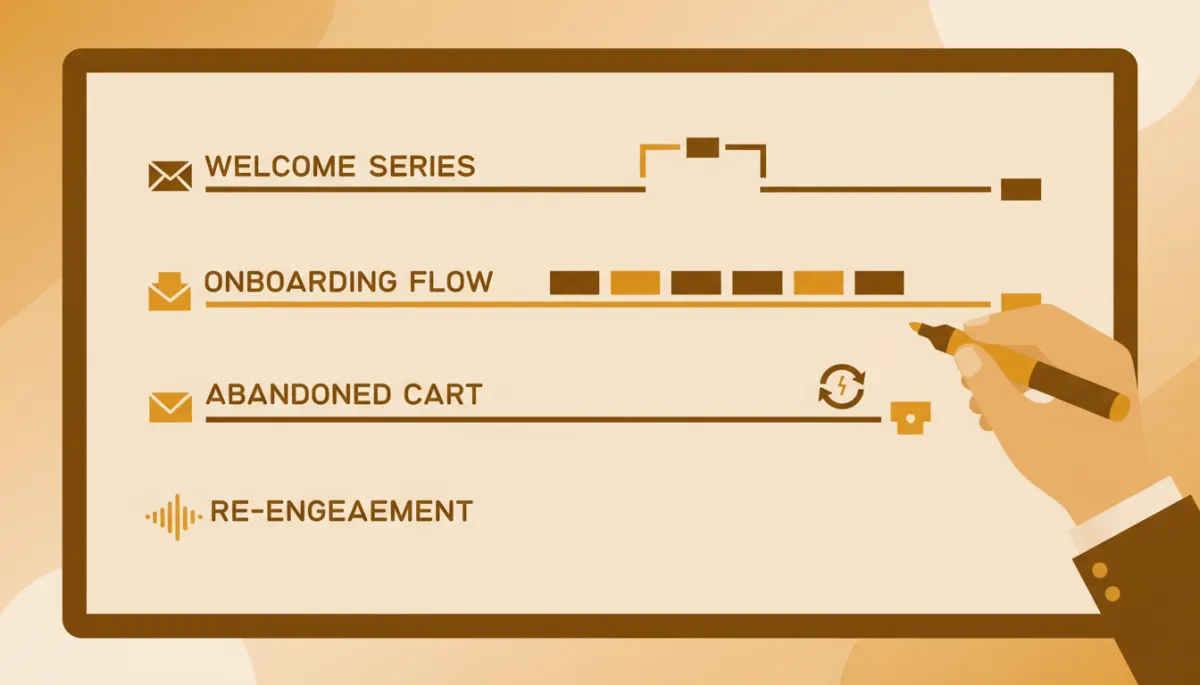
A simple set of four sequences can stabilize your entire early pipeline.
CRM‑native vs standalone email sequence tools
You will face an early architectural decision: should you use the sequencing feature inside your CRM, or a standalone email automation software that bolts on? There is no universal right answer — only trade‑offs.
- CRM‑native sequences: Better for teams that live in the CRM all day and want one system of record. You gain tighter reporting, simpler security, and fewer integrations to maintain, but you may sacrifice advanced deliverability controls or multichannel steps.
- Standalone tools: Often stronger on deliverability, outreach‑specific workflows, and experimentation. The cost is integration overhead — you must ensure contacts, stages, and activities stay in sync.
Measuring sequence performance: what to track and how often
Once your sequences are live, treat them like product features — instrumented, reviewed, and iterated. Jason recommends a simple weekly dashboard:
- Reply rate per sequence and per step.
- Meeting‑booked or “next step” rate (for example, trial started, proposal requested).
- Pipeline and revenue influenced by each sequence.
- Deliverability health: bounce rate, spam complaints, and domain reputation.
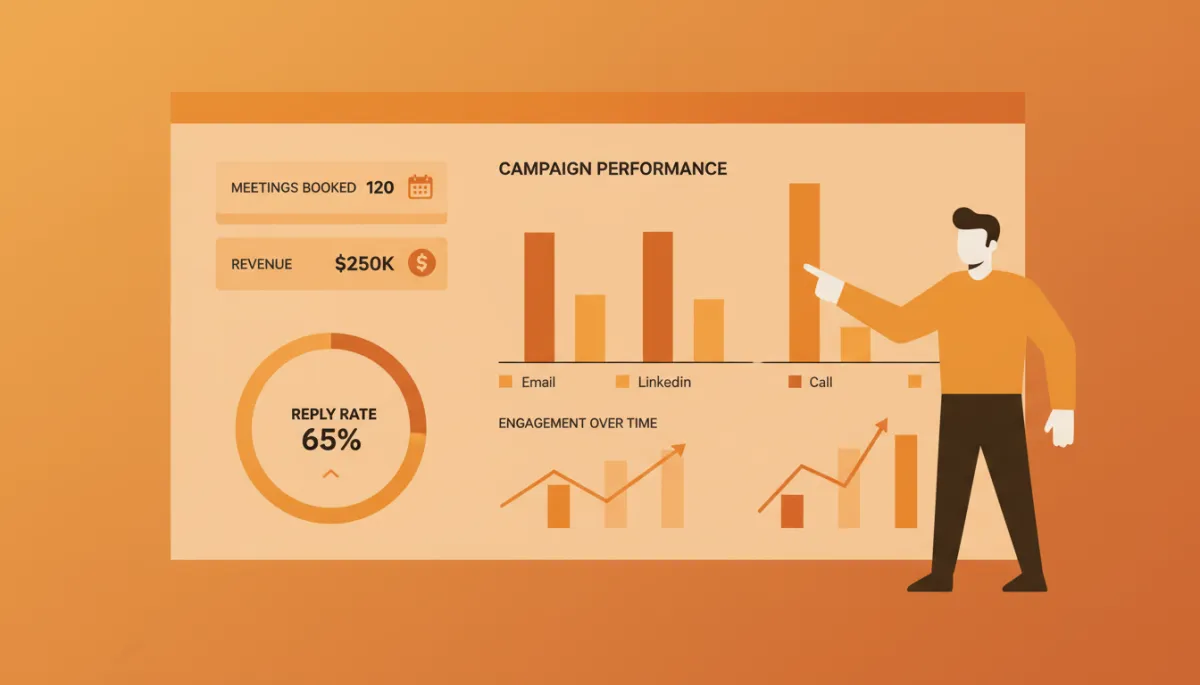
Step-level metrics turn vague “follow-up” into a controllable growth lever.
People also ask: founder questions about email sequence software
How many emails should be in a sales sequence for a startup?
For founder‑led outbound, Jason typically recommends 6–9 touches over 21–30 days, mixing pure value, direct asks, and light breakup messages. Shorter than that, you leave money on the table; longer than that, you risk annoying early buyers unless your content is genuinely useful. The key is to stop automatically when someone replies, and to make each touch additive rather than repetitive.
How is email sequence software different from a newsletter platform?
Newsletter tools are optimized for one‑to‑many broadcasts — a single message to your whole list on a schedule. Email sequence software is optimized for one‑to‑one journeys that unfold over time based on behavior. Both use automation, but sequences are closer to a sales playbook than a publishing calendar. Many founders start with a newsletter tool, then add sales sequence software once they want structured follow‑up tied to pipeline.
Do I need multichannel outreach, or is email alone enough?
For most early‑stage B2B founders, email plus one additional channel — usually LinkedIn or phone — is enough. Multichannel steps can lift response rates, but they also increase operational complexity. Jason’s rule of thumb: prove you can get consistent replies and meetings with email first, then layer in other channels once your messaging is dialed in and your team can handle the extra workflow.
How does email sequence software fit into the future of selling?
The future of selling is systems‑driven — founders win by designing reliable, testable customer journeys instead of relying on heroic individual effort. Email sequences are one of the first systems you can put in place. Jason writes about this in detail in his essay on the future of selling systems at AuthorJason.com , where he explains how automation, data, and human judgment combine to create compounding sales engines.
What is the P.I.T.C.H. Formula, and how does it relate to sequences?
Jason’s P.I.T.C.H. Formula is his shorthand for building a founder‑led sales engine: Positioning, Intent, Tools, Cadence, and Handoff. Email sequence software sits squarely in the Tools and Cadence layers — it ensures the right message goes to the right person at the right time, every time, without you manually remembering who needs what follow‑up next.
How much should a startup budget for sales sequence software?
For most early‑stage teams, a reasonable starting budget is the equivalent of a few dollars per seat per day. The real question is not the subscription price, but whether the tool helps you convert conversations into revenue faster than hiring another rep. Many startup‑oriented tools offer low‑tier or usage‑based pricing ( growthtechspotlight.com ), so you can get started before you scale volume.
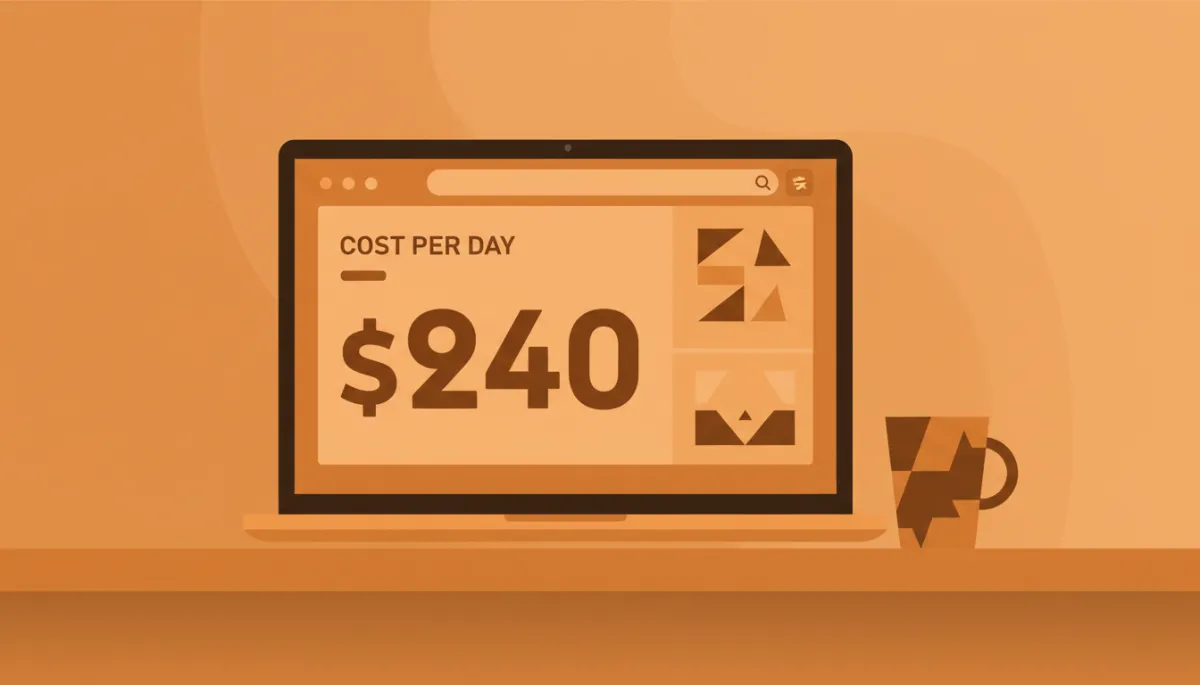
Framing cost per day clarifies how little automation actually needs to earn.
Turn founder follow-up into a compounding asset
Conrad automated sales follow-up for the same reason he automated HR workflows — because anything you do more than once should become software. Jason’s body of work, now battle‑tested across $22M+ in sales and more than 1,000 founders, points in the same direction: the founders who win are the ones who turn their best emails into repeatable sequences, then relentlessly improve them.


