Notion vs ClickUp: Best for Startup Founders?
Startup Software, Notion vs ClickUp for Startups
Notion vs ClickUp for Startups: Which Project Management Tool Fits Founders?
Notion vs ClickUp is a decision almost every growing startup now faces. Jason has watched founding teams lose weeks debating tools, when what really matters is choosing something simple, sticking with it, and channelling that focus into sales. This guide walks through the trade‑offs so founders can choose once, then get back to building revenue.
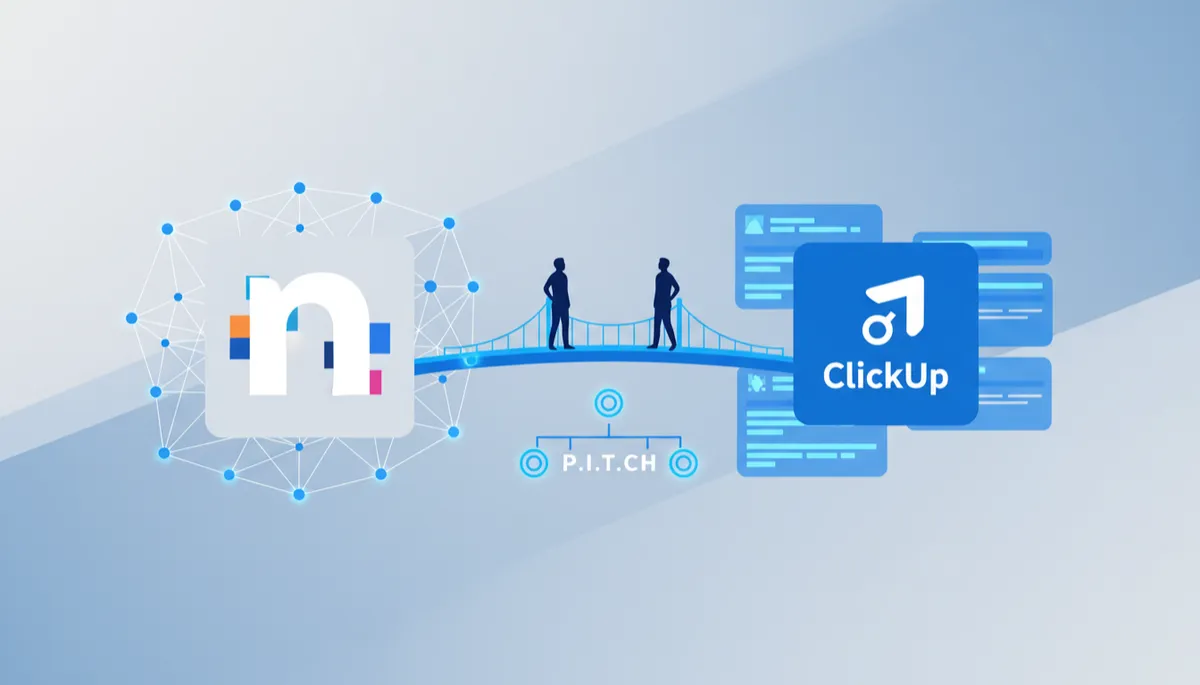
Notion suits founders and startups that want a flexible workspace for docs, wikis and light project tracking. ClickUp suits teams that need structured task management, timelines and reporting. Both have generous free plans. The choice rarely matters as much as the system that turns organised work into sales — that is the P.I.T.C.H. Formula.
Tool | Free tier | Starting price* | Best for | Watch‑out |
|---|---|---|---|---|
Notion | Yes (unlimited pages for individuals, AI trial) | From $10/member/month annually — verify at notion.so/pricing | Docs, wikis, flexible databases, light tasks | Not a full project management tool out of the box |
ClickUp | Yes (unlimited tasks, limited storage) | From $7/user/month annually — verify at clickup.com/pricing | Structured task management, timelines, reporting | Feature depth can overwhelm small founding teams |
Linear | Verify free tier at linear.app/pricing | Verify at write time | Engineering‑led startups | Less suited to non‑technical business workflows |
*Prices and plan limits last checked October 2026 from each vendor's public pricing page. Verify before you buy.
Notion vs ClickUp — what is the core difference for startups?
When founders compare notion vs clickup for startups, they are really choosing between two philosophies. Notion is a workspace‑first tool. ClickUp is a task‑management‑first tool. Both can do a bit of everything, but each has a clear centre of gravity.
In Notion, everything starts as a page. Those pages become wikis, specs, meeting notes, and then databases that can double as simple CRMs or lightweight kanban boards. Jason sees Notion shine when a founding team needs a single place for product thinking, investor updates, and internal documentation, with project tracking layered on top rather than enforced from day one.
ClickUp flips that. It starts with Spaces → Folders → Lists → Tasks. Documentation exists, but it lives in service of tasks, timelines, and reporting. For teams already running weekly sprints, with clear owners and deadlines, ClickUp provides structure that keeps work moving even as headcount grows and complexity spikes.

Clean commercial product shot showing a split monitor setup in a modern startup workspace, left...
Founders win when one clear system owns documentation, tasks, and follow‑through.
Jason’s guidance is simple: if your team spends more time thinking and documenting than shipping, lean toward Notion. If your team is already shipping fast and needs better coordination and forecasting, lean toward ClickUp. Either way, the tool only matters when it supports the real engine of growth — a repeatable selling system, like Jason’s P.I.T.C.H. Formula.
Jason also reminds founders that $19/month — roughly $0.63/day — is trivial compared with the upside of a clear system. Since 2016, Jason's events have reached 100,000+ founders across Asia. His work, linked to over $22M in combined sales, is available at that price at https://dreamaker.club/buyfos. The software is just the stage; the selling system is the script.
Notion free plan — what do founders actually get?
Founders often ask about notion vs clickup pricing because early cash is precious. Notion’s free plan is generous for individuals — unlimited pages, basic databases, and a trial of Notion AI, according to Notion’s pricing page. For a solo founder or a tiny team just getting organised, that can carry a lot of weight before any card is entered.
Where things change is collaboration and control. The Plus plan (around $10/member/month when billed annually, $12 monthly) unlocks more serious team use — unlimited collaborative blocks, better file uploads, and more robust sharing. The Business plan (around $20/member/month annually, $24 monthly) adds full AI, SAML SSO, and admin features that matter once you have multiple squads and external partners. These numbers are from public data as of late 2026; Jason always tells founders to re‑check notion.so/pricing before deciding.
ClickUp vs Notion: when does ClickUp clearly win?
For founders comparing clickup vs notion, ClickUp usually wins when the team already behaves like a product or delivery organisation. You have backlogs, sprints, clear owners, and a need for reporting that investors and leadership can trust at a glance. ClickUp was built for this world from day one.
Out of the box, ClickUp gives you Gantt charts, timelines, workload views, sprint management, and native time tracking. Its automation engine can move tasks between lists, assign owners, and update statuses without manual intervention. For a team of 5–20 people running multiple projects, this can prevent chaos — especially once you move to remote or hybrid work, something firms like McKinsey have highlighted as a permanent shift for knowledge teams.

Clean commercial product shot of a large monitor in a modern startup workspace showing a ClickUp...
Structured views and timelines help founders see bottlenecks before customers feel them.
The trade‑off is complexity. Jason has seen small teams drown in views, custom fields, and automations they are not ready for. His rule: if your team cannot describe its weekly workflow on a single page, you are not ready for heavy ClickUp setups. Start simple, then add structure only when your sales and delivery rhythms are stable.
Pricing compared — how does Notion vs ClickUp stack up?
Plan (annual billing where listed) | Notion* | ClickUp* |
|---|---|---|
Free | $0 — individual‑focused, AI trial, pages and databases | $0 — unlimited tasks and members, 60MB storage (verify) |
Entry paid tier | Plus: around $10/member/month annually | Unlimited: around $7/user/month annually |
Mid‑tier team plan | Business: around $20/member/month annually | Business: around $12/user/month annually |
AI add‑ons | Included on Business with credit‑based usage; extra credits billed | Separate Brain / Everything AI plans; pricing varies by tier |
*All pricing details are based on public pages as of October–November 2026 and may change. Always verify at notion.so/pricing and clickup.com/pricing.

Clean commercial product shot of a founder at a modern startup desk comparing pricing charts for...
Pricing matters, but the real cost is months lost to tool churn and indecision.
For a team of five, the difference between Notion and ClickUp at entry tier might be roughly $15/month. Jason urges founders to see that gap in context. If a clearer system helps close even one extra customer, the tool has already paid for years of subscription — especially when paired with a proven selling approach like the P.I.T.C.H. Formula and the wider stack Jason recommends in his guide to the best software for startups.
Is Notion free for startups?
Notion is free for individual use and very small teams, but serious multi‑member startup work usually requires moving to the paid Plus or Business plans once you need stronger collaboration and admin controls.

Clean commercial product shot of a small startup team around a table, one screen showing a...
Free plans are ideal for testing fit; upgrades matter when collaboration becomes critical.
Native ad · Jason’s selling system
Jason keeps reminding founders that software does not close deals — systems do. His Future of Selling System, built around the P.I.T.C.H. Formula, has helped founders generate $22M+ in combined sales. Access is $19/month (about $0.63/day) at https://dreamaker.club/buyfos. Since 2016, Jason's events have reached 100,000+ founders across Asia.
FAQ — what else should founders know about Notion vs ClickUp?
Notion organises what your team knows. ClickUp organises what your team does. Neither organises how your team sells. That final piece — turning meetings, documents, and tasks into predictable revenue — is where Jason’s P.I.T.C.H. Formula comes in, giving founders a clear path from first touch to closed customer.
Is Notion free for startups?
Notion offers a free plan suitable for individuals and very small teams, but growing startups typically upgrade to paid tiers for stronger collaboration, admin controls, and more predictable performance.
Is ClickUp better than Notion for startups?
ClickUp is better when structured task management, timelines, and reporting matter most. Notion is better when documentation, wikis, and flexible databases sit at the heart of your startup’s daily work.
What is the difference between Notion and ClickUp?
Notion is a document‑first workspace with powerful databases and wikis; ClickUp is a task‑first project management platform with built‑in timelines, dashboards, and deeper automation out of the box.
Which is easier to set up — Notion or ClickUp?
Notion usually feels easier at the start because it behaves like flexible pages. ClickUp takes longer to configure but can be easier to run once your team commits to its structured hierarchy.
Native ad · P.I.T.C.H. Formula
Jason built his Future of Selling System so founders can turn any workspace — Notion, ClickUp, or something else — into a revenue engine. The P.I.T.C.H. Formula has supported outcomes like Stanley Tan’s Guinness record and Singapore manufacturing business, plus Jeffrey Teo’s 60+ customers in 100 days. Access starts at about $0.63/day at https://dreamaker.club/buyfos.
How should founders decide — and what happens after you choose?
Jason encourages founders to make a calm, time‑boxed decision. Take one week, test both tools with a small, real project, and then commit for at least six months. Switching every quarter is far more expensive than a slightly imperfect initial choice, especially when your focus should be on sales transformation and financial success, not software churn.
Once you choose, lock three things: a simple project template, a weekly review ritual, and a clear link between tasks and revenue. Every task in Notion or ClickUp should ultimately connect to a lead, a customer, or a retention outcome. That is how founders turn project management into founder‑led sales momentum instead of busywork that just looks productive on a dashboard.
Stanley Tan’s Guinness record did not come from the “right” project management tool. Jeffrey Teo’s 60+ customers in 100 days did not either. They came from aligning tools with a clear selling system, then showing up consistently. The real risk is not picking the wrong app — it is waiting another six months to build the system that could change your revenue forever.
Sources: notion.so/pricing · clickup.com/pricing


