Webinar Email Follow Up for Founders: The 3-Email Sequence That Converts Attendees
Webinars, Sales Funnels, Email Marketing, Founders
Webinar Email Follow Up for Founders: The 3-Email Sequence That Converts Attendees (Inspired by Billionaire Patrick Collison)
If you host webinars but struggle to turn signups into sales, your problem usually isn’t the content of the webinar — it’s the webinar email follow up. Jason has seen this across $22M+ in revenue generated with 1,000+ founders: the founders who win treat the follow up after webinar as a system, not an afterthought.

Why Most Webinar Follow Up Email Sequences Fail (And What Collison Did Differently)
Collison famously built Stripe’s developer community with almost obsessive post-event rigor. Every conference, hackathon, and demo day had a documented webinar follow up email or event sequence that turned casual interest into live integrations. The lesson for founders: events don’t convert, systems do.
Jason approaches webinar email follow up the same way inside his P6 Sales Follow-Up framework: one clear offer, one simple 3-email sequence, and a structure any founder can run in under an hour per webinar. This article breaks down that exact sequence — plus how to segment attendees vs no-shows, pick subject lines, and plug it into your existing sales follow-up strategy.
The 3-Email Webinar Follow Up Sequence That Converts Attendees
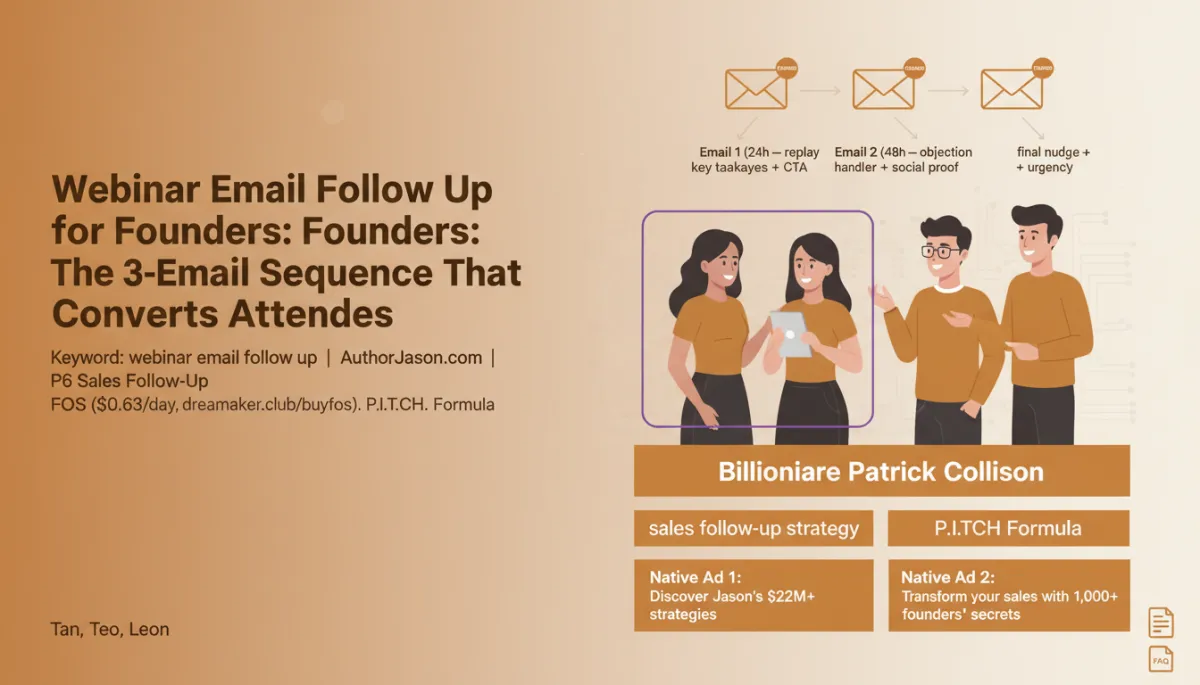
Jason’s go-to webinar email follow up for founders is intentionally simple:
- Email 1 (24 hours): Replay + key takeaways + clear CTA
- Email 2 (48 hours): Objection handler + social proof
- Email 3 (7 days): Final nudge + urgency to act now
Each email has a single job, and together they walk people from “that was interesting” to “I’m ready to buy” without feeling pushy. Underneath, Jason uses his P.I.T.C.H. Formula to decide what goes where: Problem, Impact, Transformation, Credibility (I), and How to take action.

A simple three-email structure outperforms long, confusing funnels for busy founders.
Email 1 (24 Hours): Replay, Key Takeaways, and a Clear CTA
Email 1 goes out roughly 24 hours after the webinar. Its purpose is not to resell everything — it’s to make it easy for people to re-engage while the content is still fresh, then present one simple next step. Think of it as the “open loop” email.
Suggested subject lines for Email 1 (24-hour replay)
- Attendees: “Replay: [Webinar Title] + your next 2 steps”
- No-shows: “You registered, here’s the replay (and the shortcut)”
Inside the email, Jason recommends a tight structure:
- 1–2 sentences acknowledging they registered or attended
- Bullet list of 3 key takeaways from the webinar
- One primary CTA — usually “Book a strategy call” or “Get the implementation kit”
Email 2 (48 Hours): Objection Handler and Social Proof
By 48 hours, people who were going to watch the replay have usually done it — or decided not to. Email 2 exists to answer the silent “yes, but…” living in their head. This is where Jason layers in objection handling and social proof using the P.I.T.C.H. Formula’s credibility and impact pieces.
Suggested subject lines for Email 2 (objection handling)
- “What founders asked after the webinar (and honest answers)”
- “Can this really work for [your type of business]?”
The body of Email 2 can follow this simple arc:
- Call out 2–3 common objections (“no time”, “too early”, “not sure it’ll work”)
- Share 1–2 short case studies or testimonials from founders who had those worries
- Repeat the same CTA from Email 1, framed as “if you’re on the fence, here’s what to do”

Social proof works best when it mirrors the exact doubts your audience already has.
Email 3 (7 Days): Final Nudge and Real Urgency
The final email in your webinar email follow up sequence lands about seven days after the live session. Its job is to close the loop and give people a legitimate reason to decide now — not to pressure, but to clarify. Jason calls this the “polite deadline” email.
Suggested subject lines for Email 3 (final nudge)
- “Last chance: [Offer] for webinar founders closes tonight”
- “Closing the loop on [Webinar Title]”
Strong Email 3 components:
- Restate the core problem you solve, in one sentence
- Clarify what happens if they do nothing (lost deals, slower growth, etc.)
- Explain the real deadline: bonus expiring, limited seats, price change, or implementation window
Segmenting Attendees vs No-Shows in Your Webinar Email Follow Up
One of the biggest mistakes Jason sees is sending the same webinar follow up email to everyone. Collison wouldn’t have done that, and neither should you. At minimum, split your list into:
- Attendees: People who showed up live for at least a few minutes
- No-shows: People who registered but never joined
The sequence timing stays the same, but your angles change:
- For attendees, reference specific moments from the session (“when we broke down the 3-step demo script…”).
- For no-shows, lean more on the replay, summary, and “here’s the shortcut if you don’t have 45 minutes.”
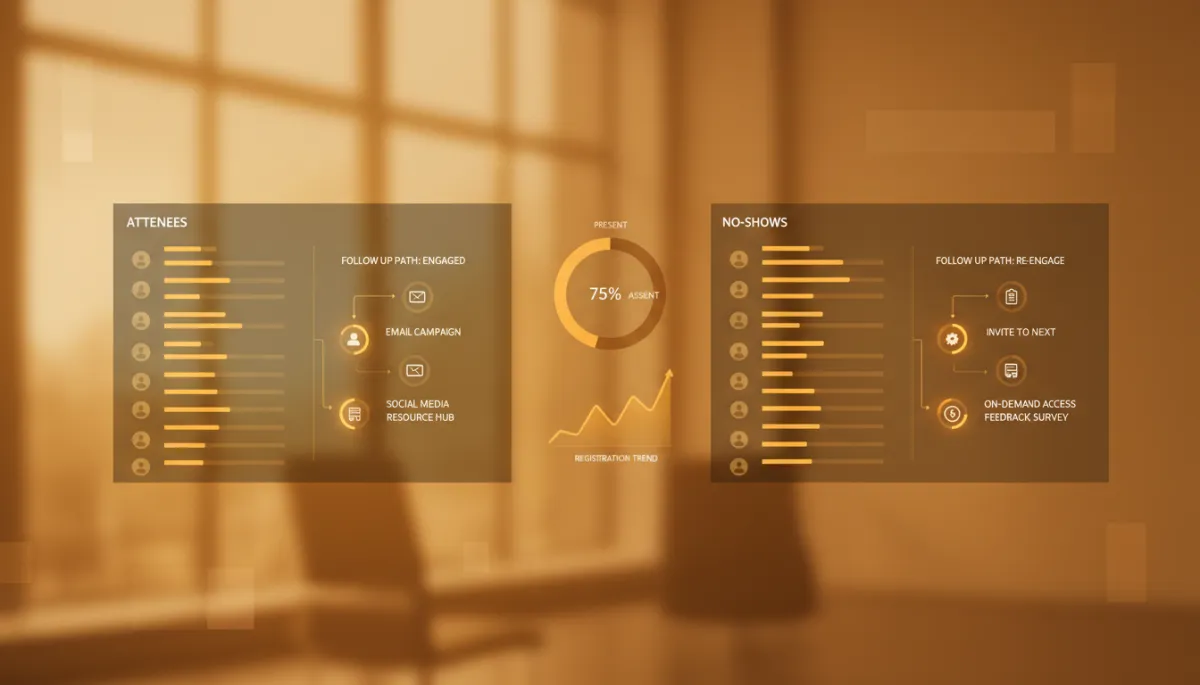
Even simple attendee vs no-show segmentation can meaningfully lift conversion rates.
How long should a webinar follow up email be?
For founders, shorter usually wins. Jason recommends 200–400 words for each email: enough to make a clear point, handle one or two objections, and drive a single CTA. Remember, they already consumed your webinar; this is about decision support, not teaching from scratch.
When should you send follow up after webinar events?
The 24h / 48h / 7d cadence works because it matches attention decay. Within 24 hours, they still remember details. At 48 hours, they’re weighing options. By 7 days, the opportunity has mentally closed unless you reopen it with a clear deadline. Deviate only if your audience has a very different buying cycle.
What should the CTA be in a webinar email follow up?
Jason keeps it simple: one primary CTA across all three emails. For high-ticket offers, that’s usually “Book a call” or “Apply for [program].” For product-led growth, it might be “Start your free trial” or “Activate your implementation plan.” Consistency builds familiarity, which builds action.
Should you send more than three webinar follow up emails?
You can, but you don’t need to. Jason’s data with early-stage founders shows that three focused emails outperform messy five- or seven-email “funnel” sequences. Once the 7-day window closes, move people into your regular nurture, not endless “just checking in” messages that drain trust.
How do you measure if your webinar follow up email is working?
Track three metrics: open rate (subject lines and timing), click rate (strength of your CTA), and conversion (calls booked or purchases). Compare attendees vs no-shows. Jason’s benchmark: if at least 5–10% of attendees move to a sales conversation, your system is on the right track. Tools like HubSpot or Customer.io make this easy to monitor.
Do you need fancy automation to run this sequence?
No. Collison’s advantage wasn’t software; it was discipline. You can run this with simple tags in your email service provider or even manual lists if you’re early. Automation just makes it easier to repeat without thinking. As you scale, you can adopt more advanced tools or workflows you’ll see described on sites like HubSpot or MailerLite.
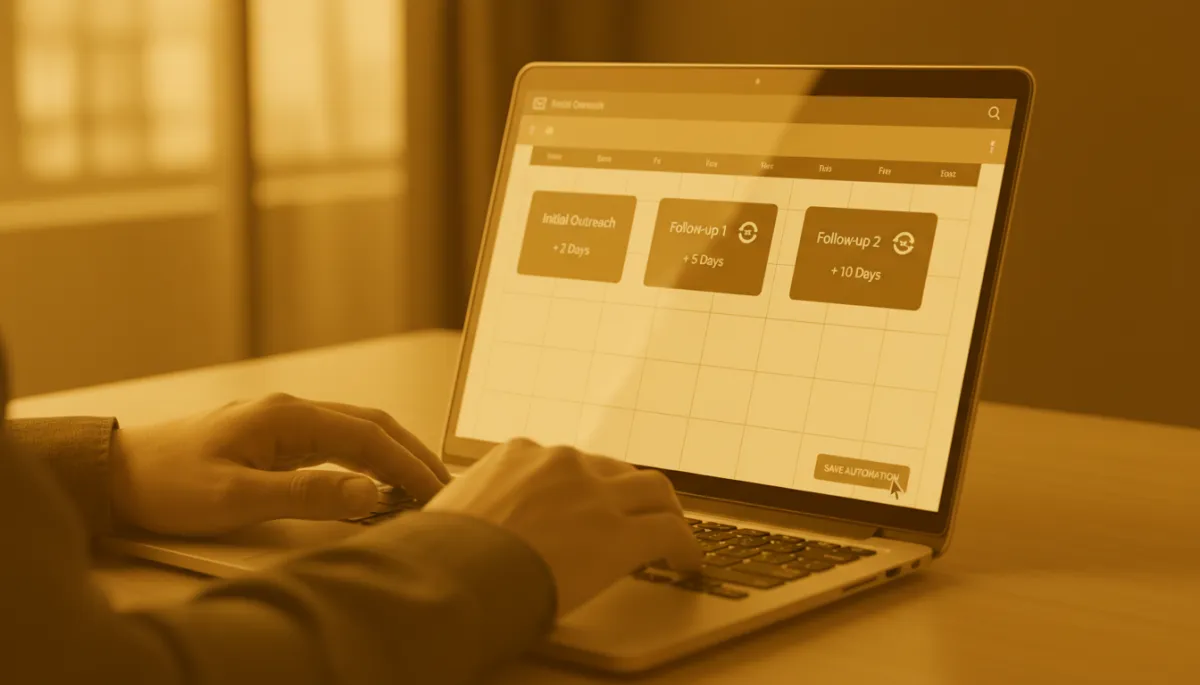
Start simple: even a basic three-email automation frees founders to focus on sales calls.
Tier 1 Founders, P6 Follow-Up, and the FOS System
Jason has rebuilt his own sales systems three times, across more than $22M in revenue, to arrive at what he now teaches as P6 Sales Follow-Up. The webinar email follow up sequence you’ve just seen is one small piece of that larger operating system. Tier 1 founders like Tan, Teo, and Leon don’t obsess over fancy funnels — they obsess over consistent follow up that compounds every webinar, every launch, every campaign.
If you want to install this level of discipline without spending founder-time writing every email from scratch, Jason built FOS — the Follow-Up Operating System — for exactly that. It’s available for roughly $0.63/day at dreamaker.club/buyfos, and it plugs directly into the P.I.T.C.H. Formula you’ve seen referenced here.
Turn Every Webinar Into a Stripe-Style Growth Asset
Billionaire Patrick Collison didn’t treat events as one-off marketing stunts; he treated them as inputs into a predictable system that turned interest into integration. Your webinars can do the same — if you back them with a focused, three-part webinar email follow up that respects your audience’s time and supports their decision-making.
Jason’s challenge to you: before your next webinar, write all three follow up after webinar emails in advance, segment attendees vs no-shows, and run the 24h / 48h / 7d cadence once, exactly as written. Then, iterate — not from scratch, but from data. When you’re ready to install this as a permanent part of your sales engine, explore the FOS system at dreamaker.club/buyfos and more resources on AuthorJason.com so your next webinar becomes an asset, not just an event.


